You already dictate the way you like — PowerScribe, Dragon, whatever's fast for you. FLAIR doesn't make you change that. It just stops making you click through three screens to fax it out.
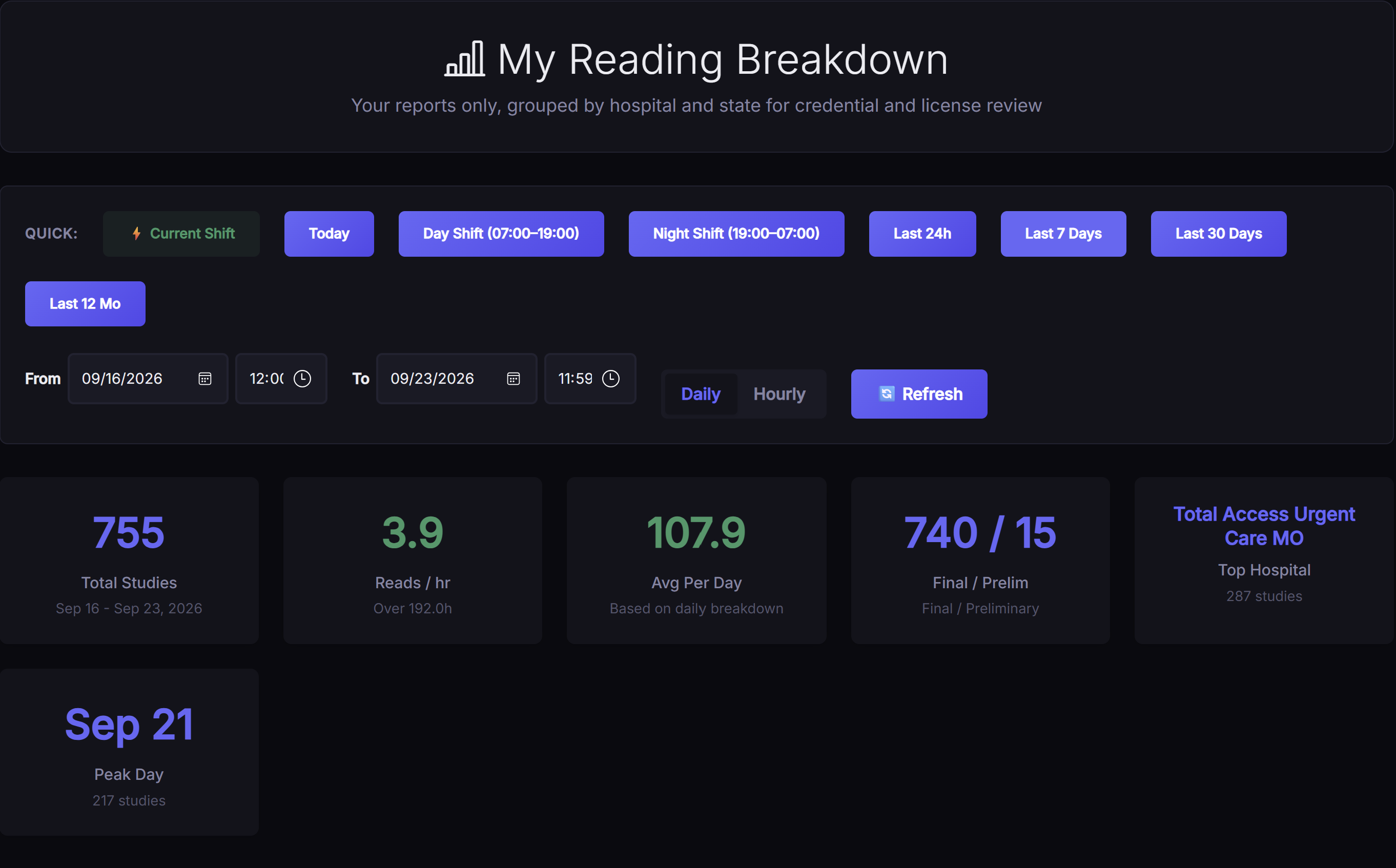
Every signed report counts immediately. Filter to your current shift, today, a custom range, or the last 12 months — refresh any time to see where you stand.
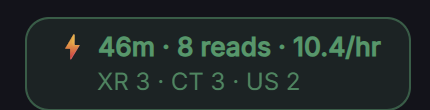
No need to leave what you're doing — a running shift badge sits in the worklist header the whole time: minutes into the shift, reads so far, reads/hr, broken down by modality.
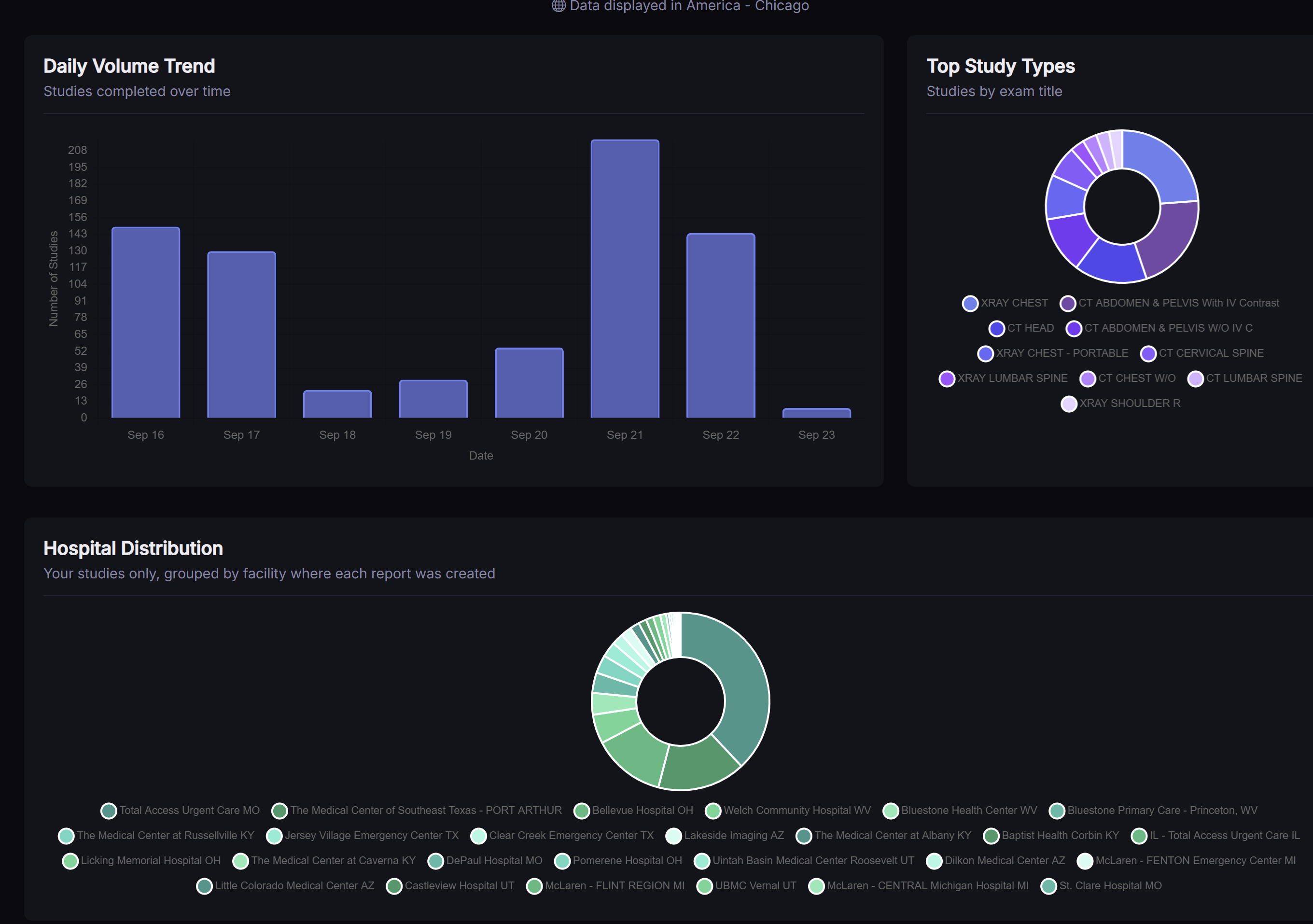
Beyond the headline numbers: a daily volume trend, your most-read study types, and which hospitals your reads are coming from — all from the same page.
If you're the kind of radiologist who dictates a complete report in PowerScribe or Dragon and just needs somewhere to put it, this is the entire workflow.
PowerScribe, Dragon, your phone's voice memo transcribed later — FLAIR doesn't care. Finish your report the way you always have.
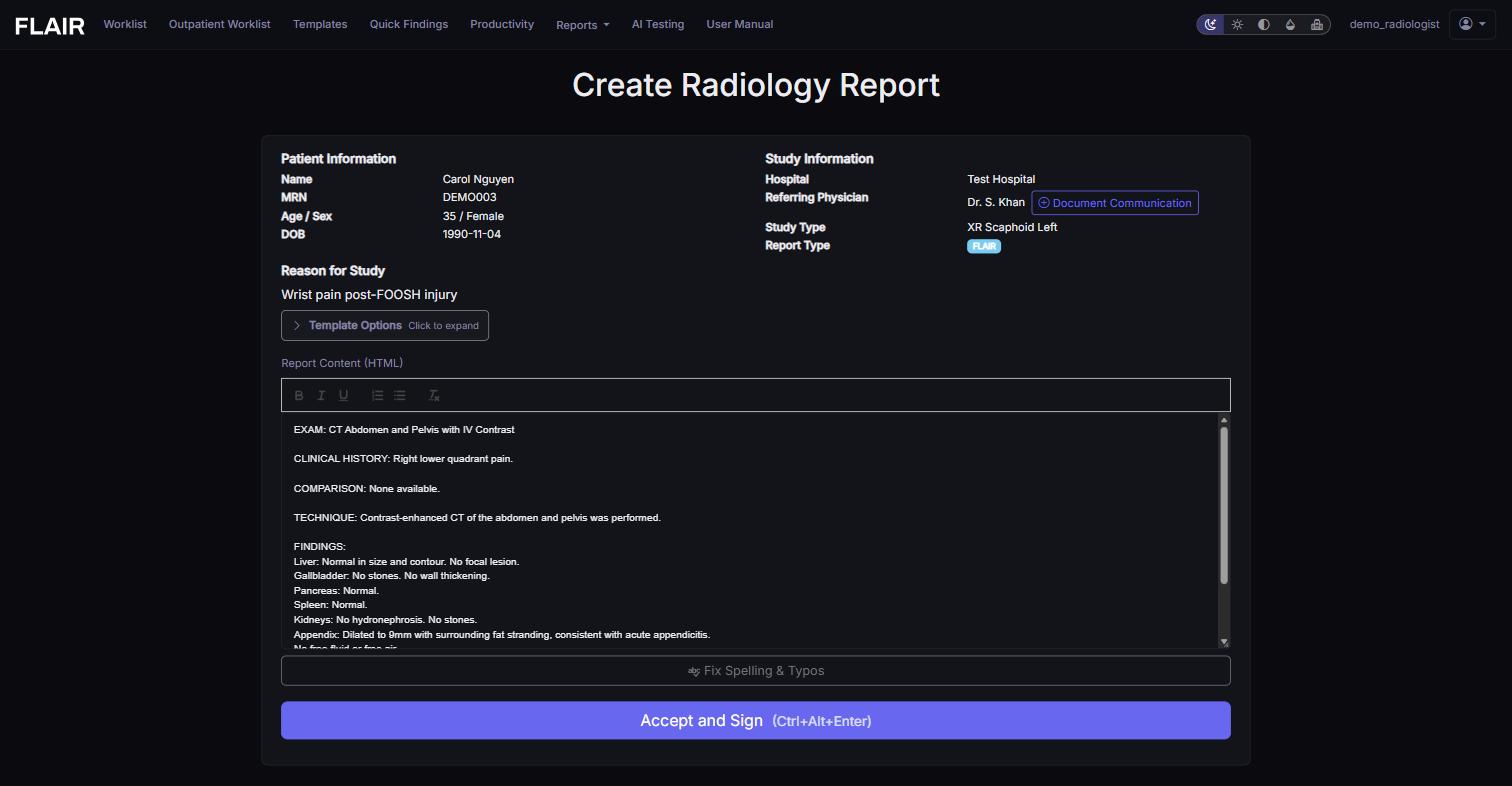
Open the study from your worklist, click into the Report Content editor, and paste your full report.
Hit Ctrl+Alt+Enter or click Accept and Sign. That's the entire submission step — no separate fax-routing screen to click through afterward.
This is a per-user setting, not a separate mode you have to ask an admin for. Two minutes, once, and every report page after that opens the way you want it.
Go to /settings.html (top-right menu → Settings in the app).
Check Disable AI report generation. This hides the "Generate AI Report" button and the AI side panel — Report Content becomes the only field on the page.
Want the editor to open completely blank instead of auto-filling a default template? Check Disable automatic template population too.
Click Save Settings at the bottom of the page. Takes effect on your next report — no restart, no admin approval.
These live on the same page as the flow above. Use any of them when they save you time; ignore all of them when they don't.
Pasted text carrying stray dictation artifacts or inconsistent formatting? The Generate Full Report button in the AI Assistant panel will pass your pasted content through and clean it up — spelling, structure, formatting — without changing your findings. Skip it and sign directly if your dictation software already does this well enough.
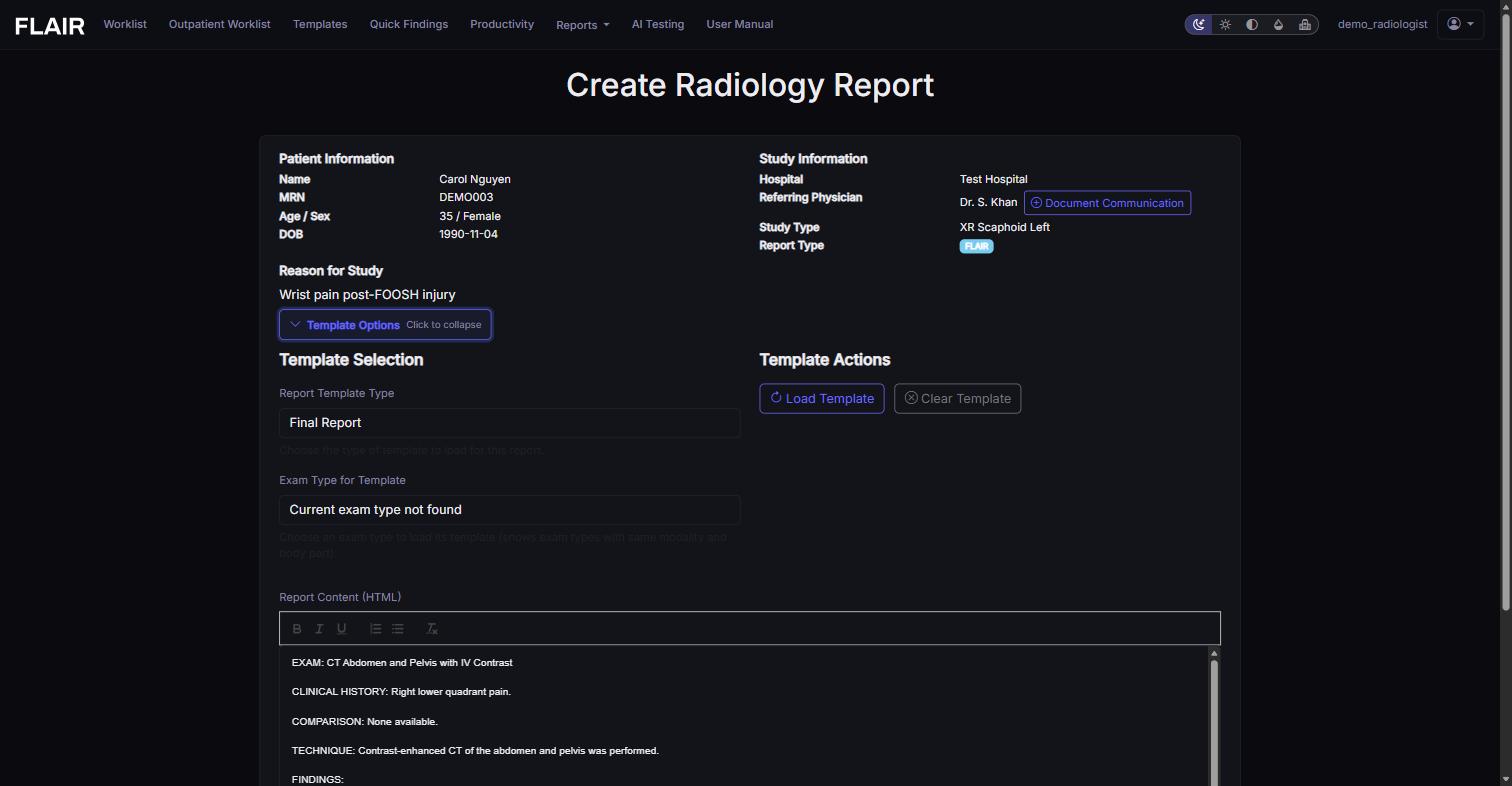
Click Template Options to load a starting structure for a given exam type — useful if you like a consistent skeleton for common studies. Don't need one for this report? Leave it collapsed. There's no penalty either way.
Most reporting systems assume you'll rebuild your workflow around their structured fields. FLAIR assumes the opposite: you already have a fast way to get findings into text. It just needs a place to land — and a faster way out the door once you're done.